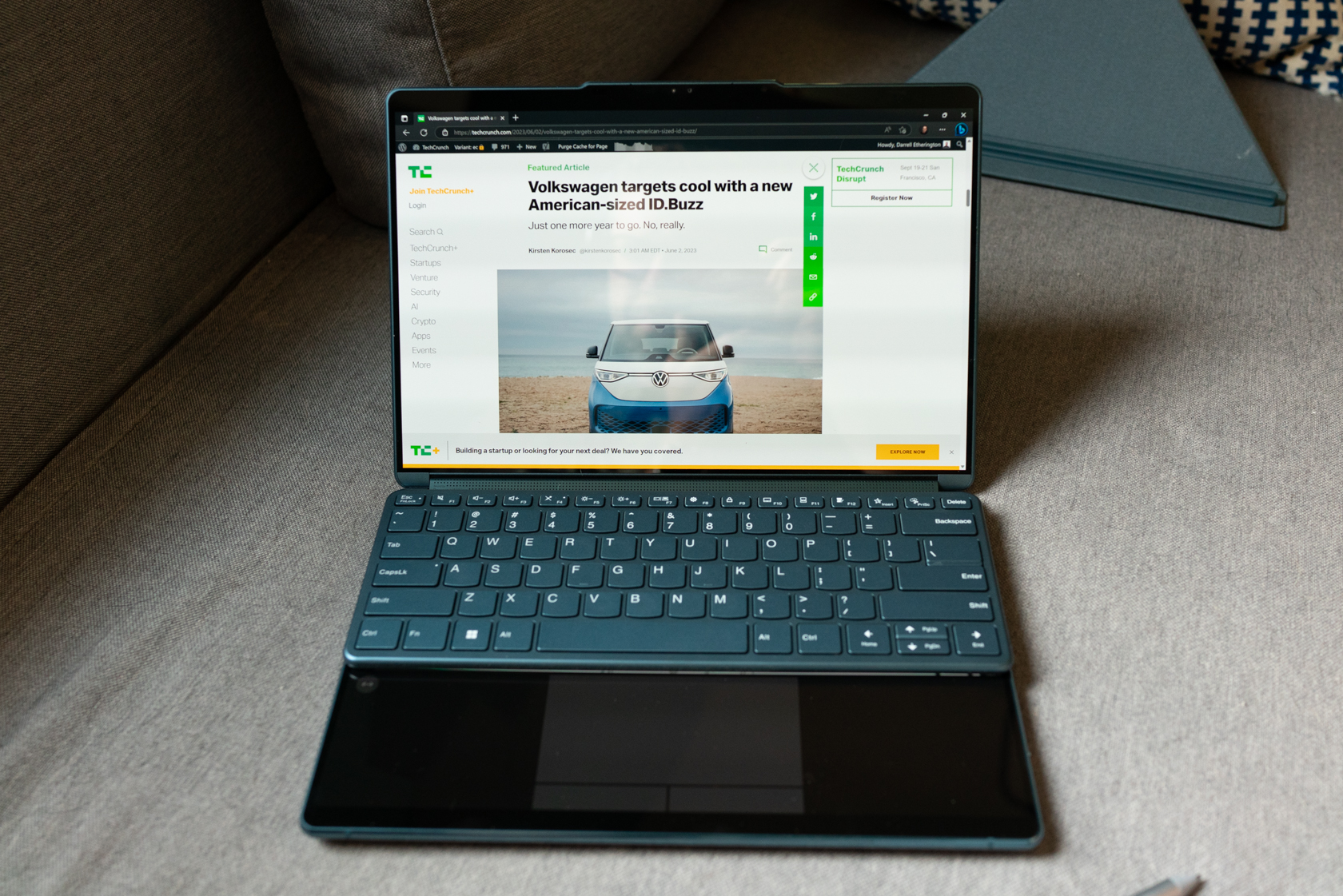

Lenovo’s Yoga Book 9i drew both appreciative and skeptical stares at CES earlier this year when it made its official debut: With two 13-inch OLED screens attached with a central hinge, it’s one of the most unusual laptop designs to ever make it into actual production. The Lenovo Yoga Book 9i ($2,099) is building on a long tradition of dual-screen notebook and portable device concepts (along with some shipping hardware), but it’s the first that proves the paradigm can work — and work well — for a lot of people.
Basics
The Lenovo Yoga Book 9i is defined by one feature in particular: Instead of having a hardware keyboard and trackpad for its lower half, it has a second 13.3-inch OLED screen to match the one on top. These are connected by a remarkable hinge that allows for use in a number of orientations, and which also packs in a speaker array powered by Bowers & Wilkins (more on this later, but spoiler: it works really well).
In the box, you also get a separate Bluetooth keyboard, a stylus (Lenovo’s Digital Pen 3), a Bluetooth mouse, and an origami-style folding stand that also doubles as a case for the keyboard and stylus. The sticker price of $2,099 definitely can seem steep at first glance, but Lenovo has at least done right by customers by including everything they need in the box instead of making accessories like keyboard, stylus and mouse available piecemeal as add-on purchases after the fact.
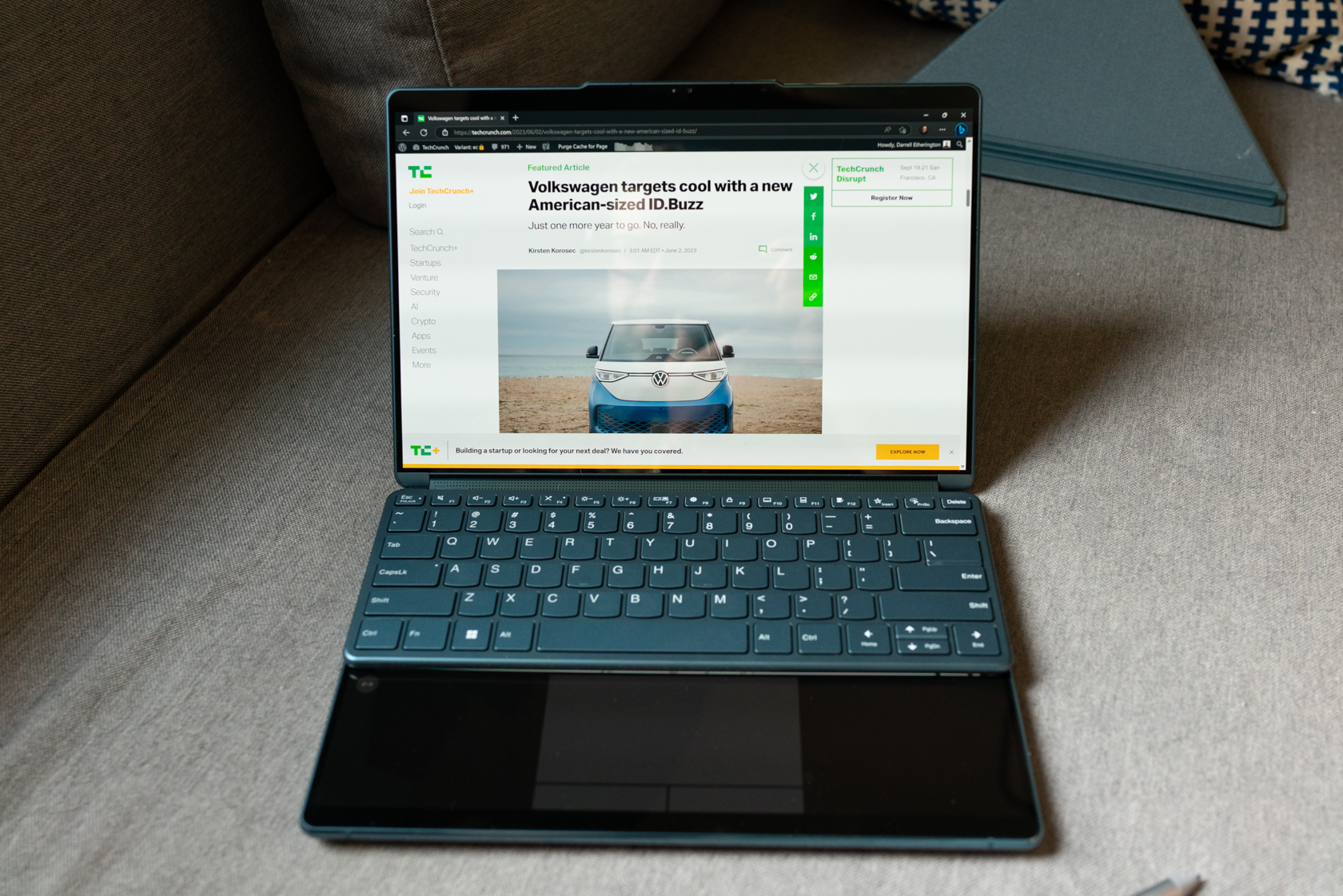
Image Credits: Darrell Etherington / TechCrunch
Of course, the Yoga Book 9i is powered by Windows 11 under the hood — with a layer of surprisingly low-key and unobtrusive Lenovo software included to ensure that all the dual-screen magic just works; which it mostly does, albeit with the software seams still showing a bit here and there, something that’s fully expected in a first-generation device running early software. None of these hiccups prove annoying or distracting enough to compromise the overall experience of using the Yoga Book 9i, however, which is excellent on balance.
Hardware and Design
The Lenovo Yoga Book 9i is, top to bottom, a very well-made piece of kit. Both of the screens are gorgeous, which makes sense given that they share the same panel and specs, and they’re enclosed in a very durable-feeling metal shell with rounded edges that are nice to touch and look great with shiny reflective finishes. The Yoga Book 9i only comes in one color, at least at launch, which is a teal that wouldn’t normally be my personal pick but that works very well for distinguishing the novel machine at a glance even when it’s closed. My one complaint here is that while the included keyboard is color-matched to the case, the stylus and mouse come in a plain grey that feels a little aesthetically incongruous when working with the entire combined setup.
Luckily, aside from some questionable accessory colorway choices, Lenovo gets everything else pretty much exactly right. The upper and lower halves of the Yoga Book 9i close with a satisfying sticky click, and the hinge maintains them at whatever angle you choose to use them at. This is especially important because the Yoga Book 9i can be used in quite a few different ways, including a standard laptop orientation with or without the hardware keyboard magnetically attached to the bottom display; with the screen flipped all the way around in a single screen tablet mode; with the displays stacked on top of one another and propped up on the stand in a horizontal dual-screen mode; with the displays side-by-each in a vertical dual screen orientation; or with both screens active and facing two different users on either side in tent mode.
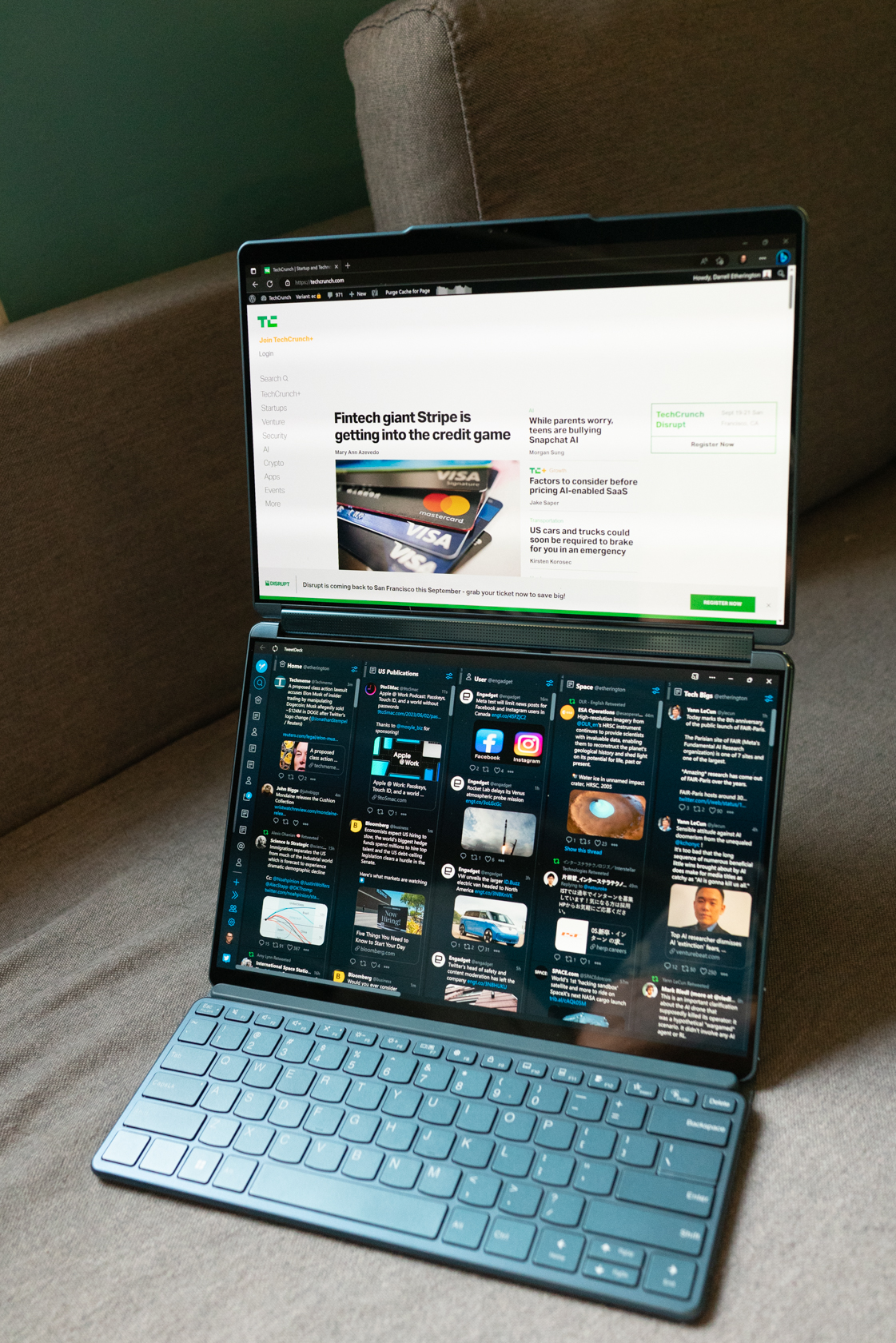
Image Credits: Darrell Etherington / TechCrunch
The hinge that allows all of that flexibility is a wonder itself — it’s entirely covered in a grill and has speakers throughout, which provide sound in whatever direction it’s needed. The hardware and the tuning by Bowers & Wilkins results in actually surprisingly great sound from notebook speakers — it’s more than capable of providing a great movie or video-watching experience, and it even works adequately well for playing back music if you’re stuck without headphones or an external speaker.
The built-in camera has a 5MP sensor and IR so that it works for Windows Hello facial recognition login, and there’s a hardware disable switch on the side of the laptop’s lower display for those who value extra privacy assurance. In use, the camera was more than adequate for video conferencing, and seemed to deal well with a range of different lighting conditions, both indoors and out.
One additional note here on the quality of the hardware — it’s very durable as well, a fact I can attest to because of two highly unusual but ultimately handy random accidents: First, the Yoga Book 9i fell from a standing desk I was using outside when my patio umbrella accidentally blew into it and toppled it off. It survived this with no discernible damage or marks whatsoever. The second accident happened when the hook keeping my massive dining room chandelier gave out overnight, allowing the all-metal light fixture to swing, wrecking ball-like, directly into the back of the Yoga Book 9i’s back top surface, knocking it from my dining room table to the ground. This last time resulted in very, very tiny (like you almost can’t see it) surface scratching to the paint finish, but had no other impact on the machine either physically (ie. no dents) or in terms of function. It’s built like a tank, which is actually a really useful feature for a laptop like this that you’ll want to handle a lot, flip around, travel with and change working orientations.
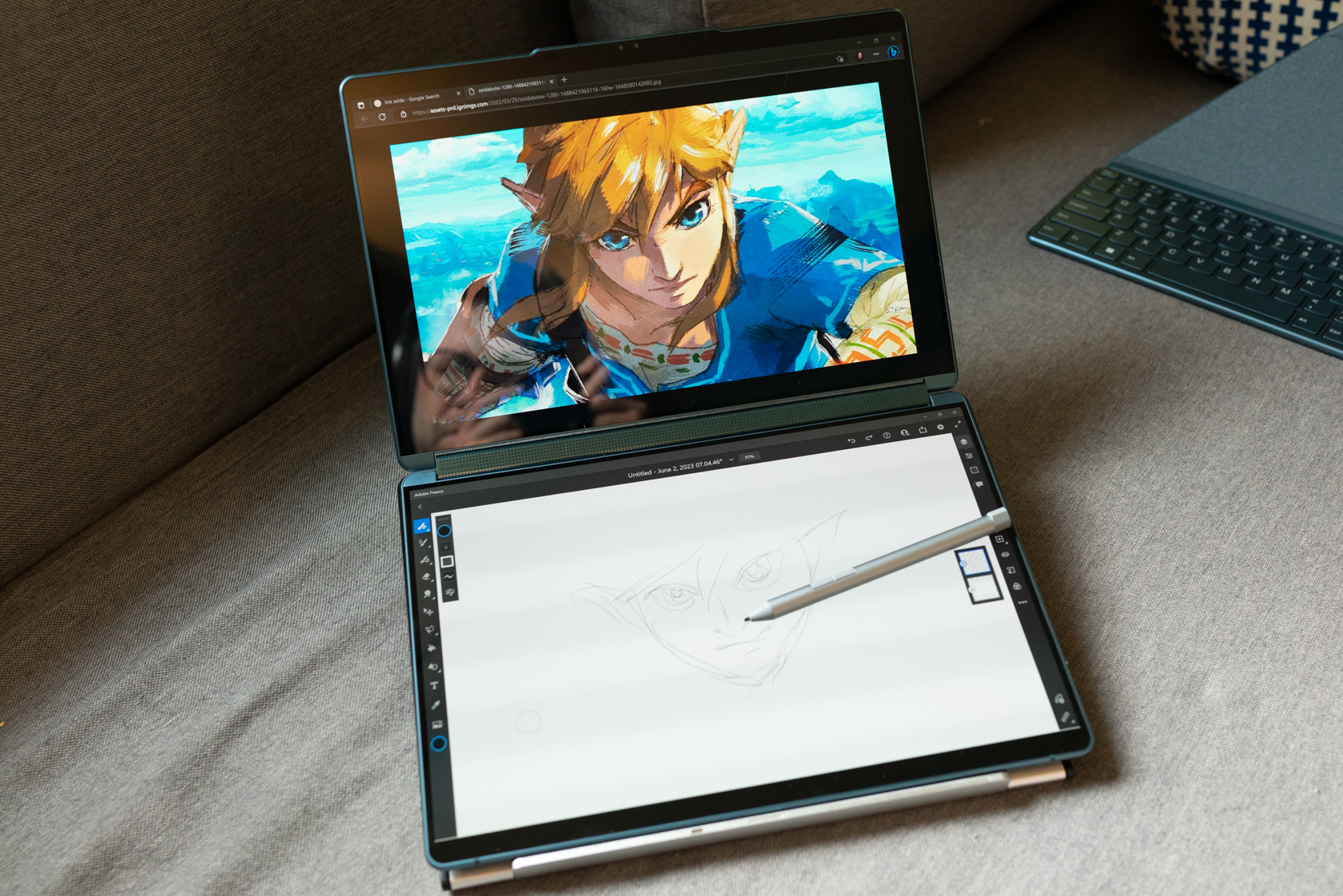
Image Credits: Darrell Etherington / TechCrunch

Performance
The Yoga Book 9i is powered by a 13th generation Intel Core i7, comes with 16GB of DDR5X RAM, has integrated Intel Iris X graphics and a 1 TB SSD. There are three Thunderbolt 4 ports (one on the left and two on the right) and there’s Bluetooth 5.1 and Wifi 6E in terms of connectivity. The two OLED screens have 2.8K resolution, are HDR-capable with 400 nits max brightness and 60Hz refresh rates.
While it doesn’t have amazing specs on paper compared to some of the latest ultrabooks out there, performance in practice from the Yoga Book is more than sufficient for most people. It’s a speedy machine that feels fast and nimble, and it can handle Photoshop and Lightroom flows with relative ease. I didn’t use it for video editing, so your mileage may vary there, but it’s an excellent workhorse for anyone who works mostly in Office/Google’s work suite, email and light media.
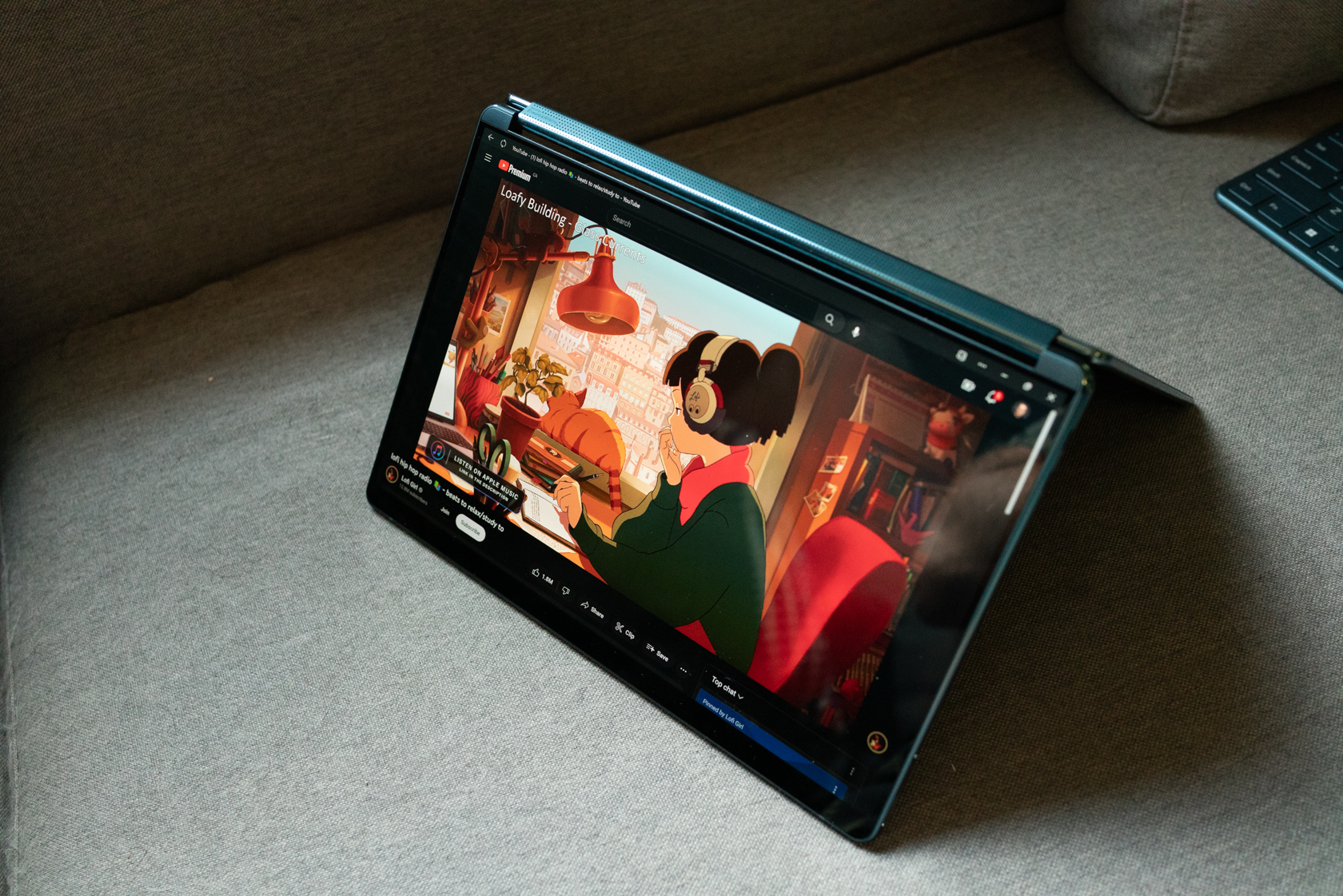
Image Credits: Darrell Etherington / TechCrunch
As for media consumption, this is definitely one of its fortes. The displays are both fantastic for watching video, and the second screen means you have built-in options for multitasking, including doing things like browsing the web or using Twitter while you’re watching something, or doing digital drawing/painting on the lower screen while viewing a reference on the top.
Aside from the performance of its components, one key to the Lenovo Yoga Book 9i’s success is just how good it is at taking advantage of its unique physical design. As you’d expect, there are compromises when it comes to using a notebook with two screens instead of just one with a hardware keyboard and trackpad permanently installed in the other.
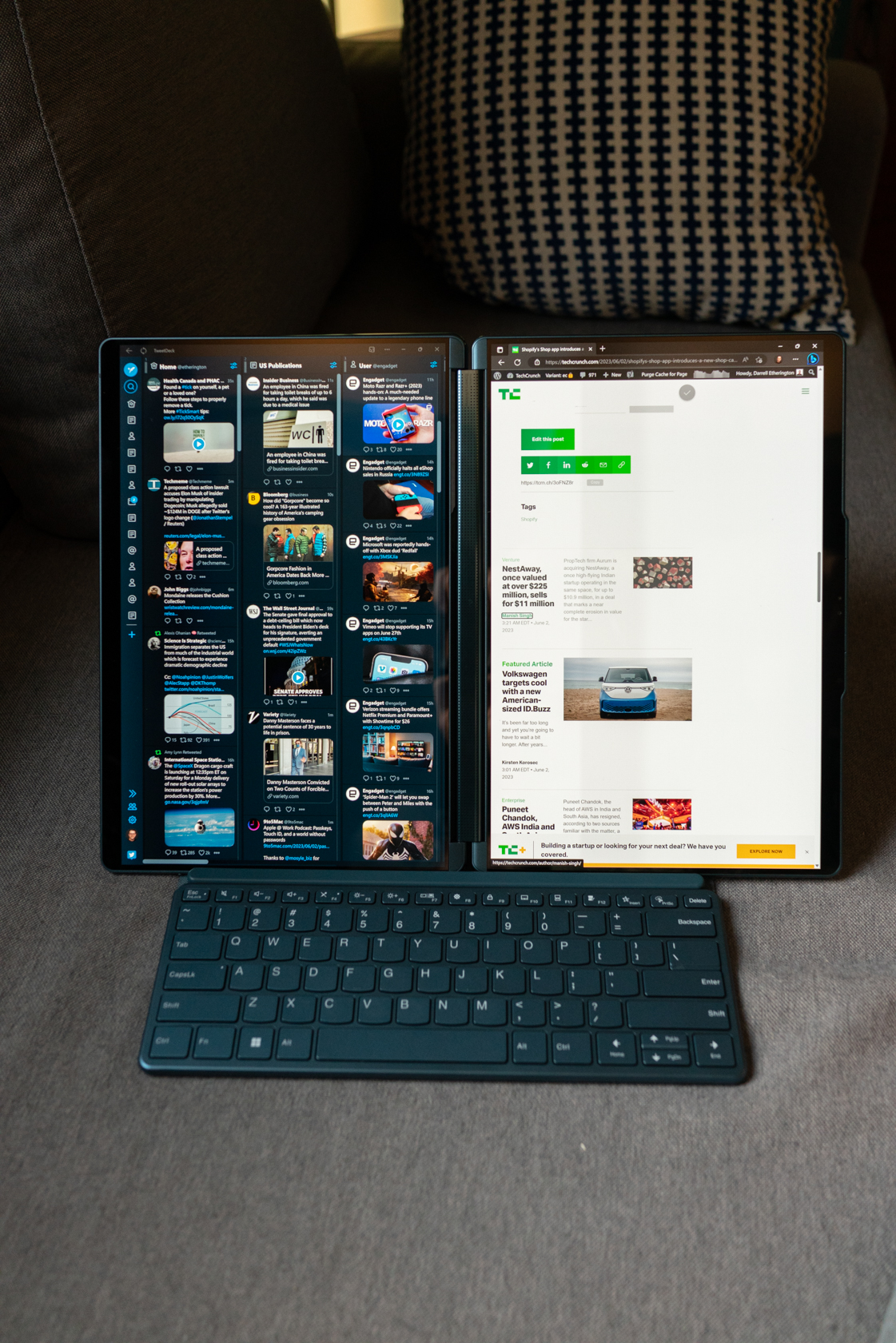
Image Credits: Darrell Etherington / TechCrunch
Lenovo has actually done an amazing job mitigating most of these, with multitouch gestures to easily call up the software keyboard and trackpad whenever you need them instantly, and a clever magnet-based docking mechanism for the included hardware keyboard that means you can easily plop it into place whenever you need to dive into a focused session of rapid WPM output. The fact that the stand works so well, but also doubles as a case for both the pen and the keyboard that makes both those and the computer an extremely portable package.
If I had one significant complaint about the Yoga Book 9i when it comes to performance, it’s battery life. The two displays obviously draw additional power vs. just one in more traditional machines, and it’s a very high-quality, fairly bright screen. In practice, I’ve been averaging about 6 hours of use per charge — and that can drop considerably if you’re doing things that are taxing like long video meetings. It’s a throwback to much earlier days amid a sea of very long-lived portable powerhouses, but given the extra screen real estate you’re working with, it does also make sense as a trade-off.
Bottom Line
The Lenovo Yoga Book 9i looked a bit like a stunt when it made its official debut earlier this year — ambitious, certainly, but practical? That didn’t seem likely. Now that it’s here, though, I can say that is actually eminently practical, and in fact ranks as my favorite notebook to use, period. That’s factoring in the relatively meager battery life I mentioned, and some other very minor concessions to the form factor like not being able to close the lid on the hardware keyboard when it’s magnetically attached to the bottom display.
I’ve eschewed most form factor shifts in the PC world — hybrids, 2-in-1s, tablets with detachable keyboards, etc. The Lenovo Yoga Book 9i has broken through with its unique hinged dual-screen approach, which works well both at home and on the road, and which offers something no other competitor, regardless of brand, can claim to match.
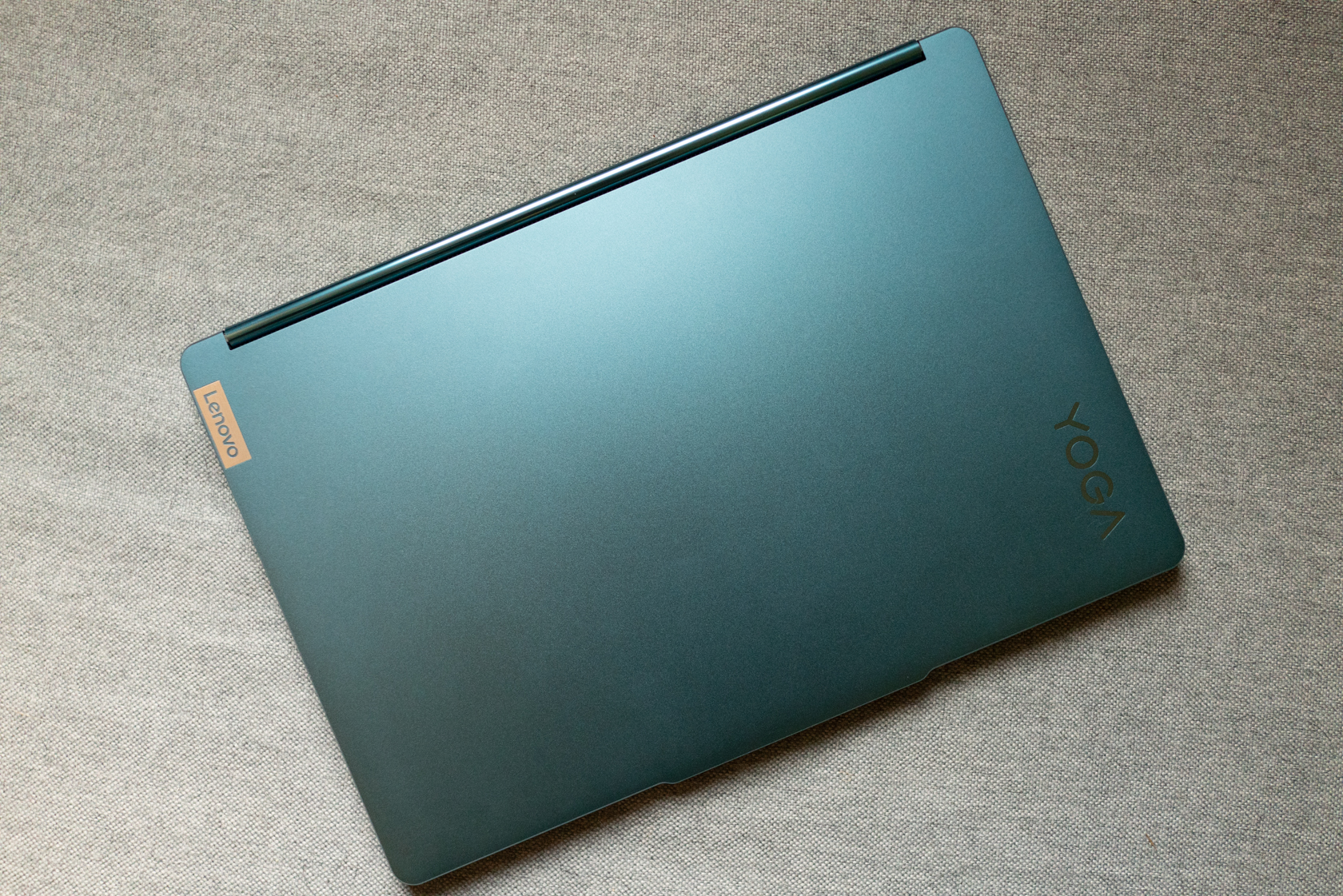
Image Credits: Darrell Etherington / TechCrunch
Lenovo’s Yoga Book 9i realizes the full potential of a dual-screen laptop by Darrell Etherington originally published on TechCrunch
Originally published at techcrunch.com